Add profile
To create ffmpeg profile, follow these steps:
-
From the
Profilespage, clickAdd profile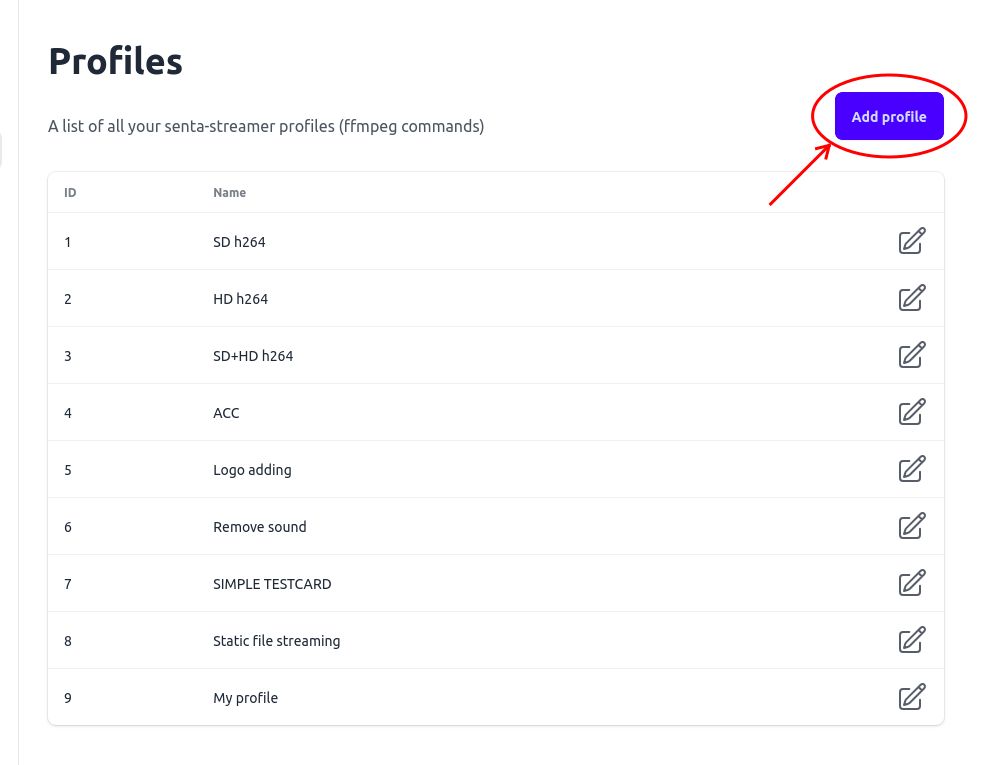
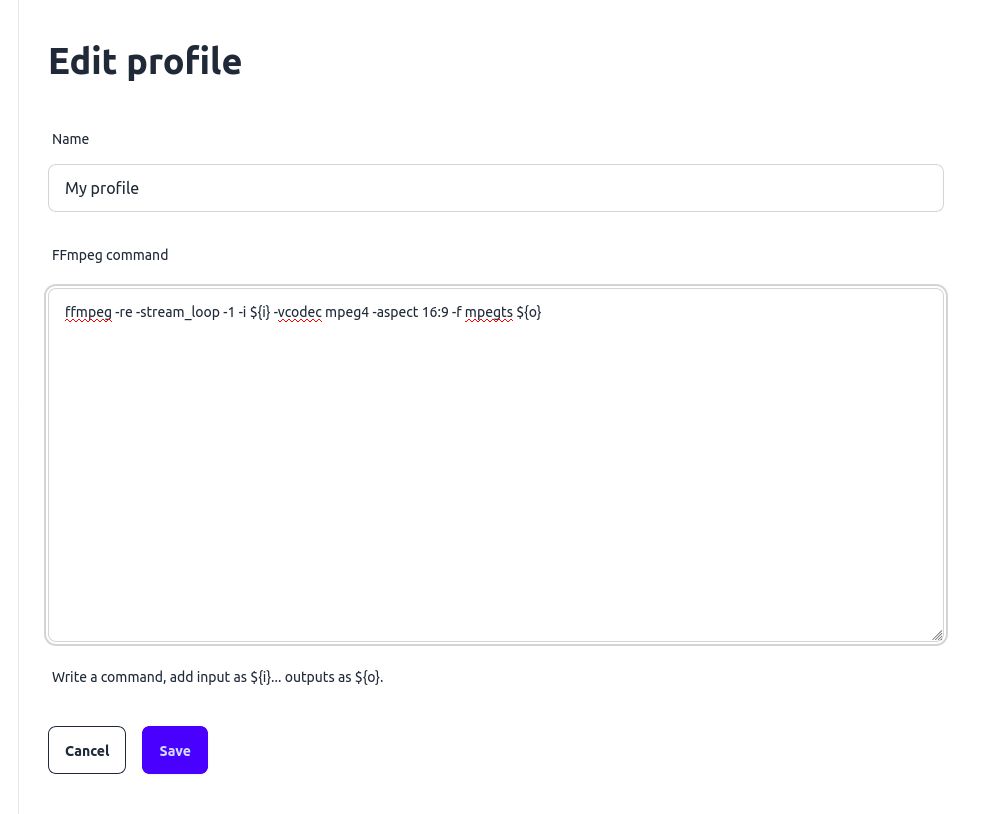
You will see the Profile’s edit form.
-
Enter the name of the profile, i.e.
My profile -
Specify the setup command. In this example, we make a command that continuously streams a static file (for example, for testing purposes).
Terminal window ffmpeg -re -stream_loop -1 -i ${i} -vcodec mpeg4 -aspect 16:9 -f mpegts ${o} -
Click
Save
The new Profile will be added