Static image
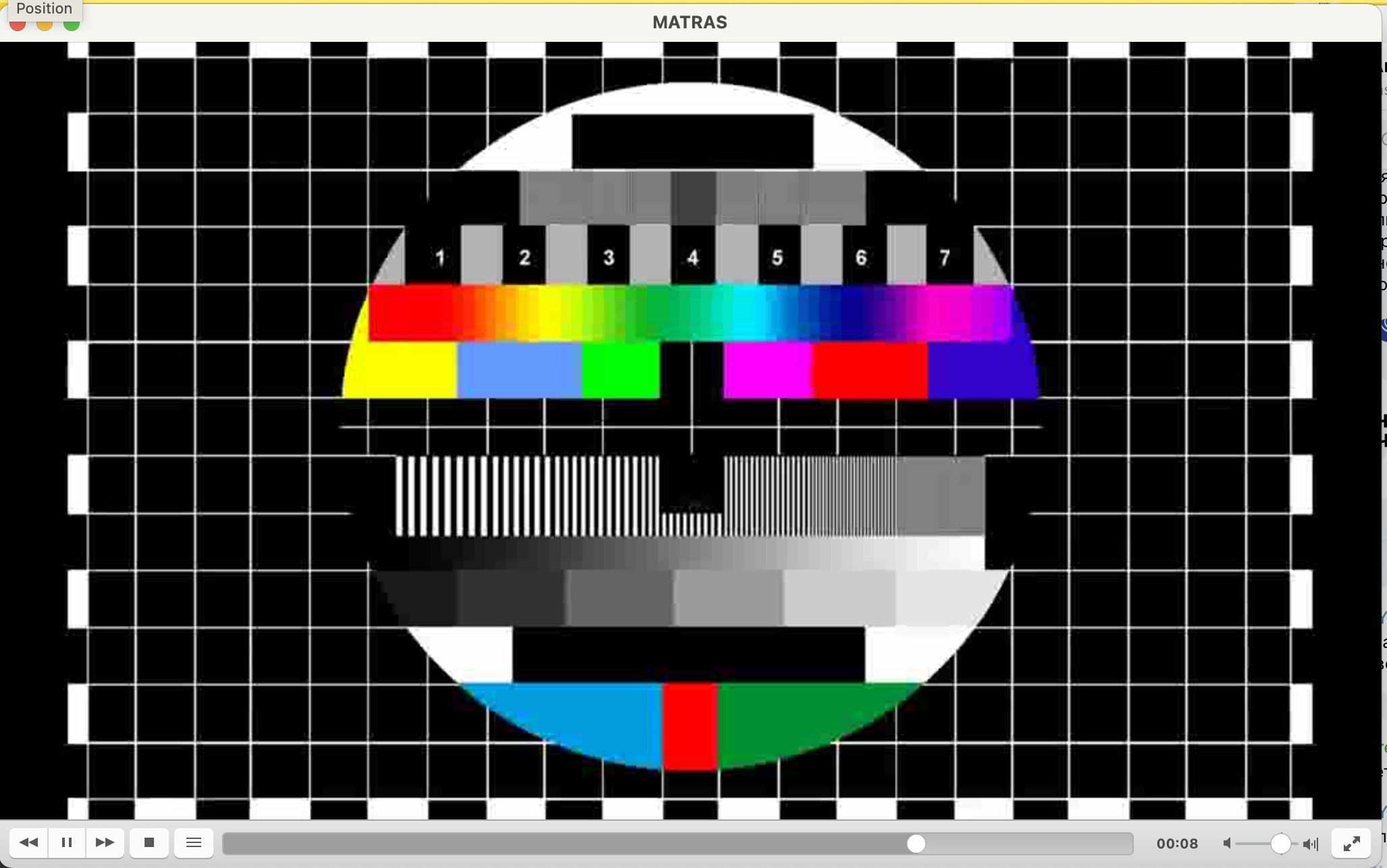
In this example we will create a video stream that continuously streams a static file (for example, a calibration image).
Step 1: Configuring a profile
Section titled “Step 1: Configuring a profile”-
Start adding a new profile and specify its name.
-
Next, in the profile command use:
Terminal window ffmpeg -re -stream_loop -1 -i ${i} -vcodec mpeg4 -aspect 16:9 -f mpegts ${o}
-
Save the profile
You will see the new profile in the profiles list.

Step 2: Connecting to stream
Section titled “Step 2: Connecting to stream”Next, you can add this profile to the stream. Set input and output parameters. In this example, we download a ts-file to the server and specify the path in the input field (see working with files to detales), then set udp-stream as the output.

You can now see result in VLC!